 Immivio
No player purchase or subscription.
Download, use and build Immivio for free. The player is GPL-3.0 open source; access to a third-party service follows that service’s own terms.
Free & open source · Meta Quest / PICO
Immivio is a free, open-source VR video player for Meta Quest and PICO. Watch VR180, 360° and 3D SBS videos, explore spatial photos, and bring your local or network library into a virtual cinema.
VR180 · VR360 · 3D · Spatial Video · Photos
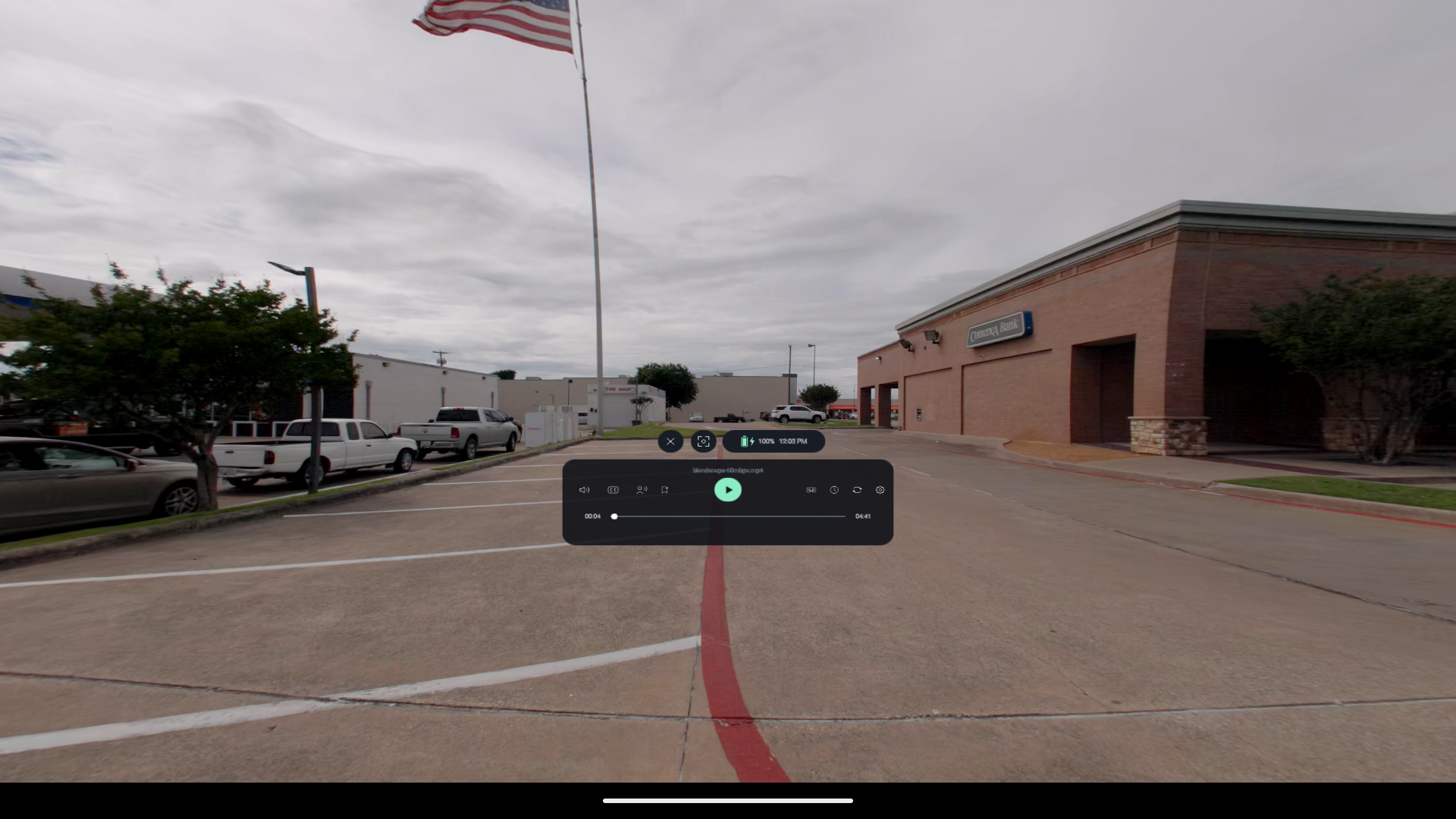
Actual app capture · Android emulator development build · Open full image
Why Immivio
A VR media player focused on your own videos and photos, with performance-conscious playback and open source you can inspect.
Download, use and build Immivio for free. The player is GPL-3.0 open source; access to a third-party service follows that service’s own terms.
libmpv uses Android hardware video decoding where supported, with shared GPU textures for rendering. Display-quality controls let you balance detail and load on your headset.
Play local media or browse SMB and DLNA sources, plus supported Plex, Emby and Jellyfin libraries. Keep your own collection within reach.
A player for your own media
A familiar film. A scene you can look around. Choose a view that fits the media in front of you.
Set the size, distance and curvature of supported screens. Choose audio and subtitles, and bookmark a moment worth returning to.
180°, 360° and fisheye projections, with side-by-side and top-bottom layouts. Supported spatial photos and videos keep their stereo views.
Start with local files, or connect SMB, DLNA and supported media servers. Available features depend on the source and account permissions.
Inside the player
Playback preferences and display quality share a familiar set of controls.
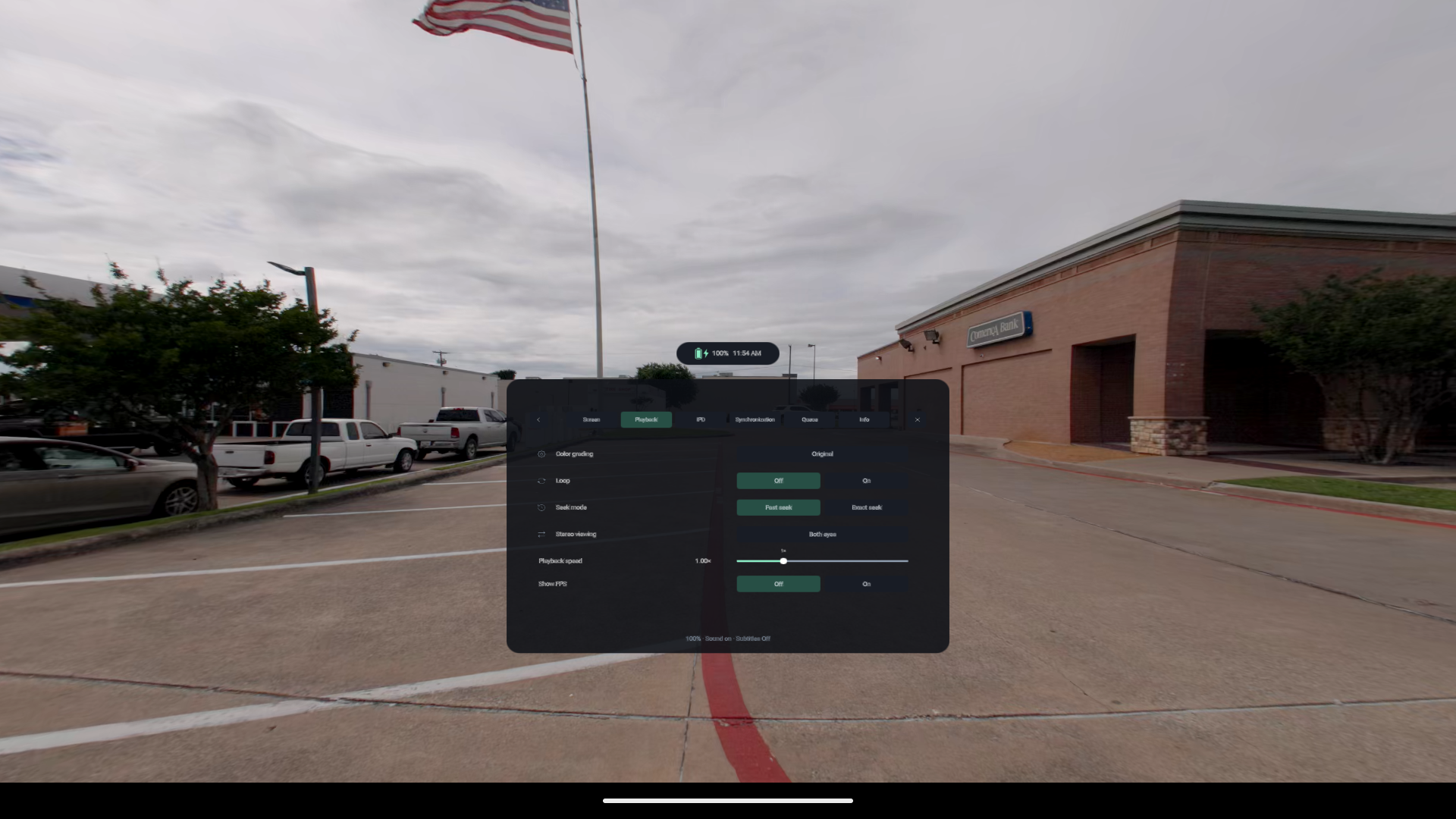
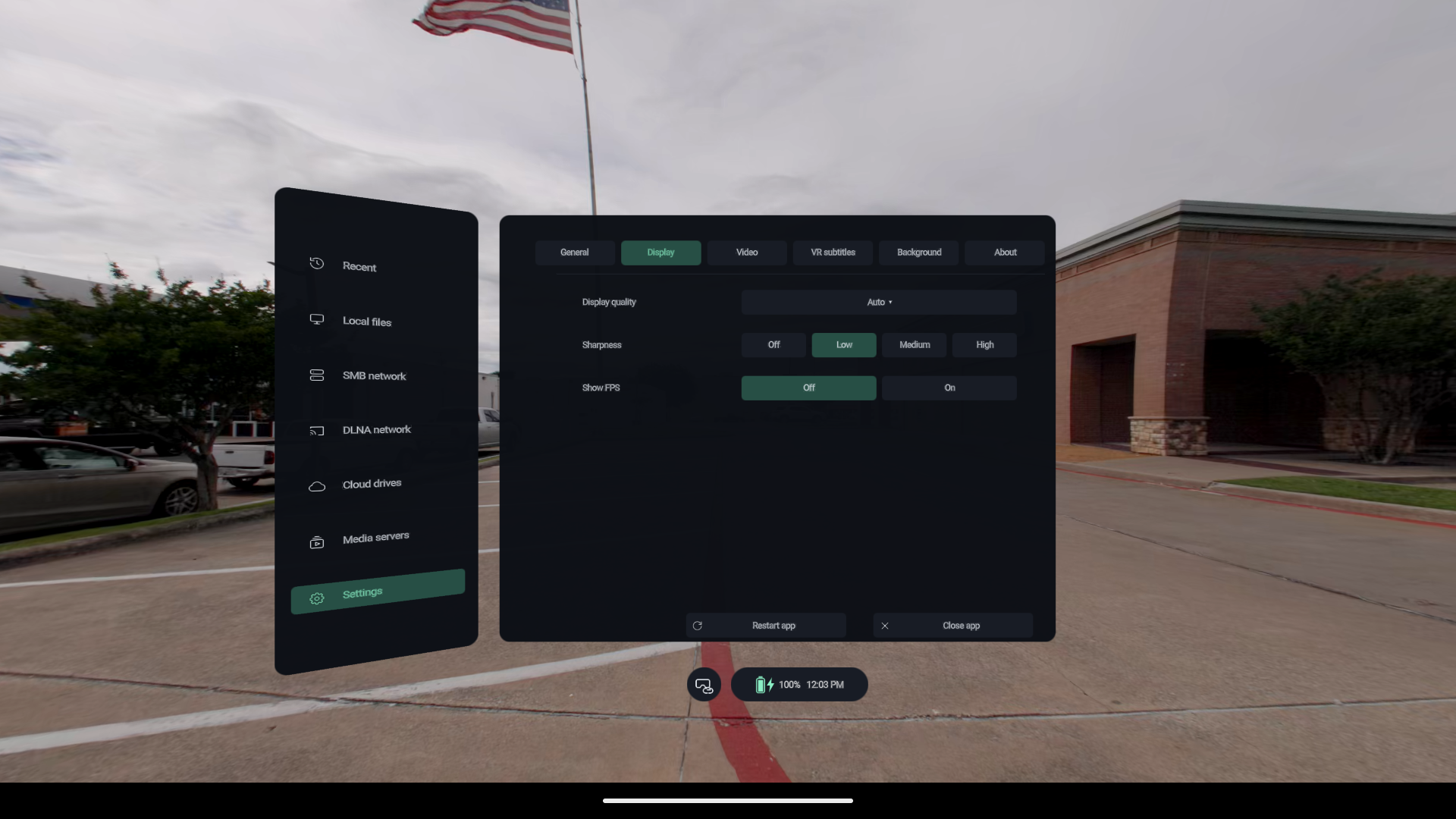
Actual Android emulator captures using blandscape-60mbps.mp4, shown through the pre-rename build’s 2D diagnostic entry. These images do not demonstrate headset stereoscopy, passthrough or frame rate. The original video is not bundled.
Made for the way you watch
Your room, your posture, your media. A few direct controls put the picture where you want it.
Learn the everyday controls →Hold the controller grip to move a picture or window; use the same hand’s thumbstick to adjust distance where supported.
Watch seated, or enable reclining mode. Follow is a separate setting, so you can choose how the view behaves.
Per-file viewing preferences, timestamp bookmarks and saved playback queues make it easier to return to your media.
Get Immivio
Download the free VR video player for Meta Quest or PICO, or choose the experimental Android OpenXR package. One playback edition for existing stereo and spatial media.
Published versions appear in GitHub Releases. Current development APKs are under Artifacts in successful workflow runs; GitHub sign-in is required. Pre-rename releases retain their historical names.
Quest 2 and PICO Neo3 are compatibility targets. Performance depends on device, codec and bitrate. Generic OpenXR needs a compatible Android runtime.
Good to know
Yes. Immivio is free to download, use and build, with no player purchase or subscription. Its source is available on GitHub under GPL-3.0. Third-party services may have their own fees.
Supported formats use Android hardware decoding through libmpv and GPU-based video rendering. You can adjust display quality for your device. Actual performance depends on headset, codec, resolution and bitrate; see the playback troubleshooting guide.
Yes. Choose flat, 180°, 360° or fisheye projection and side-by-side (SBS) or top-bottom stereo layout to match your file. Immivio also displays supported spatial videos and photos; format support depends on the APK and media.
Enable developer mode, connect to your computer and approve USB debugging, then install the APK with your preferred sideloading tool. Open Immivio from the headset’s sideloaded-app library. Follow the installation guide →
Match the projection and stereo layout to the source. Use Flat for ordinary video; use Fisheye and SBS for VR180 SBS fisheye media. Projection, side-by-side/top-bottom packing, and eye order are separate choices.
Use SRT, ASS, SSA or VTT text subtitles; bitmap subtitles are not offered. Packed SBS/TB video is supported. MV-HEVC dual-view video and Dolby Vision colour correctness have not been validated. Read the compatibility notes →
This edition continues from the original project’s 0.6.0 baseline and follows its own development and release path. NorthBoundWisdom maintains it independently. Report issues for this edition in our repository.
NORTHBOUNDWISDOM
Meet the sibling projects from NorthBoundWisdom.